The NetSuite Pre-Change Checklist: Four Questions to Ask Before You Change Anything
Before you edit a workflow, field or role, answer four questions. This practical checklist turns a quick request into a change you can test, approve and monitor.
ConfigLedger · 16 October 2026 · 8 min read
The request is reasonable: lower the vendor bill approval threshold, make a customer field required, or give a team access to a saved search. You know where the setting lives. You could change it before the next meeting. But knowing how to edit a setting is not the same as knowing whether the account is ready for the edit.
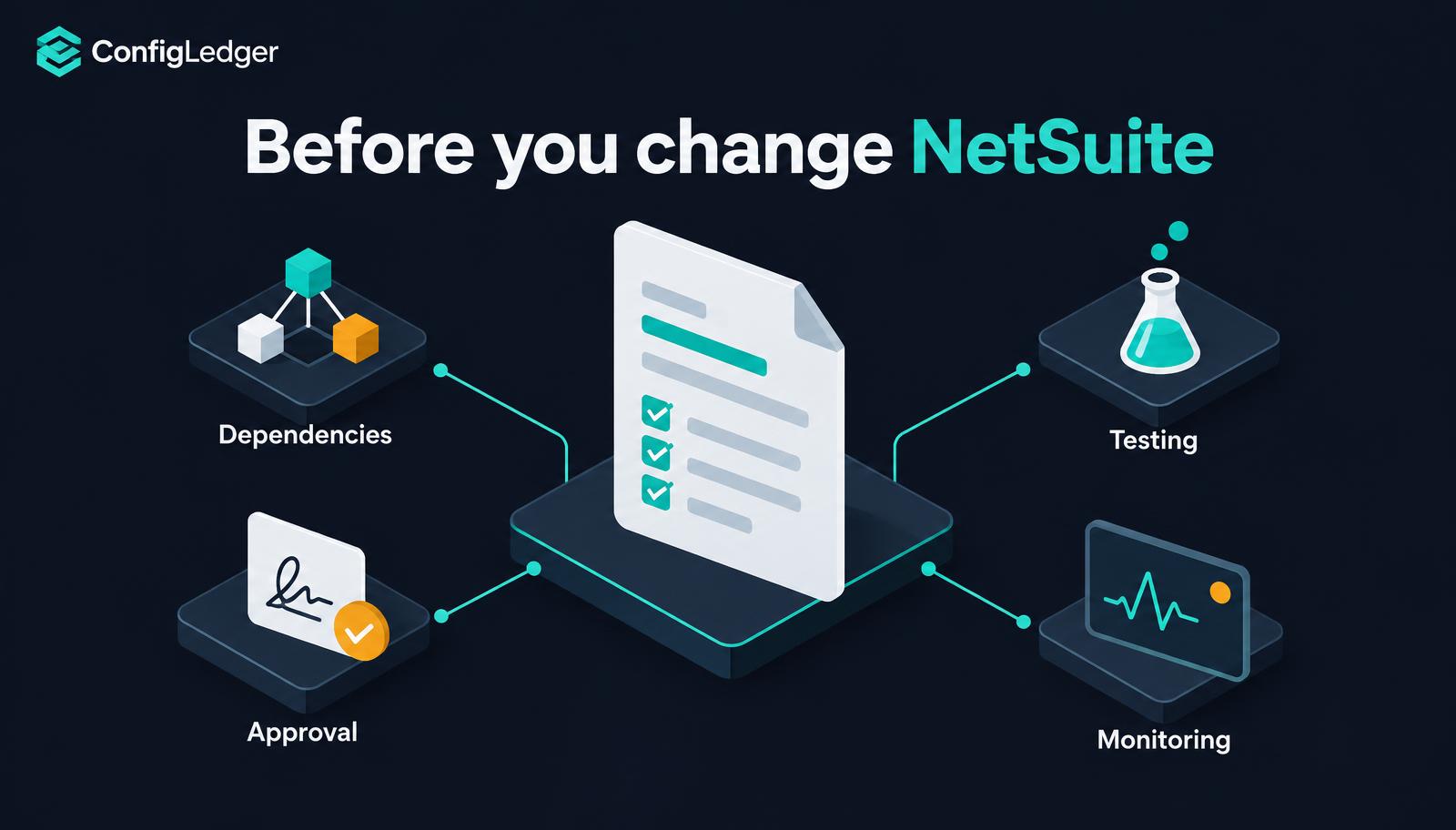
Our previous articles explored hidden dependencies and the risks of making a field mandatory. This one turns those lessons into a repeatable NetSuite pre-change checklist: four questions to answer before a change reaches Production. It is written for administrators, consultants and the business owners who sign off on their work.
Start with the outcome, not the setting
Before answering the checklist, write the business requirement in language the requester can confirm. “Change the approval workflow” names an implementation. “Vendor bills of £20,000 or more require CFO approval before payment” names an outcome you can test. The distinction matters when an automated test, an AI assistant or another administrator checks your work.
For the worked example below, assume a fictional organisation currently requires CFO approval from £25,000 and wants to lower that threshold to £20,000. These figures are illustrative, not a ConfigLedger customer result. Agree the relevant currency, subsidiaries, bill statuses and treatment of existing bills before choosing a configuration change.
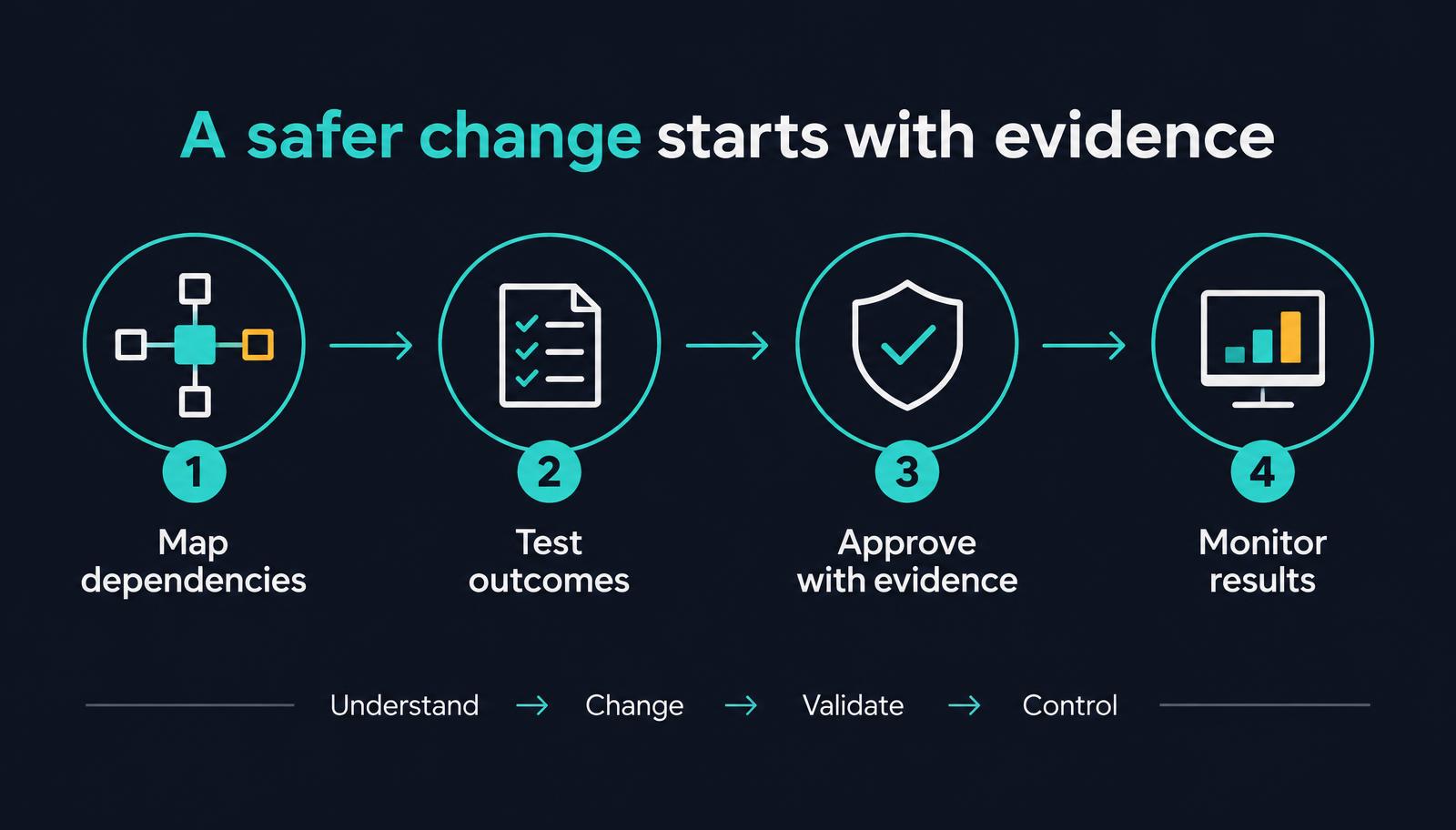
1. What depends on the object or rule I am changing?
Start with direct references: workflows, scripts, searches, forms and integrations that use the field, record or permission being changed. Then look for shared business assumptions. Two saved searches may hard-code the same approval threshold without directly referencing the workflow. A reference list alone will not reveal that duplication.
- Identify the objects you will edit, using internal or script IDs where appropriate rather than display names alone.
- Check workflow conditions, script parameters, search filters and formulas for references or duplicated logic.
- Trace the outputs: dashboards, scheduled reports, integrations and business processes that consume the result.
- Identify affected roles, subsidiaries, forms and record entry points, including CSV imports and web services.
- Ask the process owner about spreadsheets, manual checks or external systems that account metadata cannot reveal.
In the approval example, changing the workflow condition is only one task. The pending-approval search, the CFO dashboard and any downstream payment process also need review. Record each dependency as checked, affected or unresolved. An unresolved dependency is a reason to investigate, not evidence that it is safe.
2. What evidence proves the requested behaviour works?
A successful save proves that NetSuite accepted an edit. A successful deployment proves that the deployment passed its checks. Neither proves that the business requirement works for the people and processes that rely on it. Define the expected results before building the change, then test them in Sandbox.
Test the boundary, not just the happy path
- Below the threshold: a £19,999.99 bill should follow the agreed lower-value approval path.
- At the threshold: a £20,000 bill should require CFO approval if the agreed rule is “£20,000 or more”.
- Above the threshold: a £20,000.01 bill should follow the same CFO approval requirement.
- Unaffected behaviour: a previously working low-value bill should still complete its expected process.
- Dependent outputs: searches and dashboards should show the right approval population, without omissions or duplicates.
- Existing records: bills already in progress should behave according to the agreed transition rule.
Repeat relevant scenarios as the actual user roles and through the entry points identified in question one. An administrator creating a record in the UI is not a substitute for testing an integration payload or a CSV import. Workflow and script execution contexts, deployment settings and permissions can change which logic runs. Mandatory-field behaviour also depends on the field, form, API and script options involved; test the applicable paths rather than assuming they all enforce the same rule.
Separate deployment checks from business testing
SuiteCloud Development Framework (SDF) validation is useful for supported project definitions and deployment requirements. Use it where applicable, but treat it as one layer of assurance, not a replacement for functional tests, regression checks or business acceptance. Also note differences between Sandbox and Production, such as data age, enabled features, credentials and integration endpoints.
Where practical, have someone other than the builder review the results against the original requirement. The same principle applies to AI: a Build Agent proposing a change should not be treated as independent proof that the change is correct. A separate QA check needs the requirement, the expected outcomes and before-and-after evidence.
3. Who needs to approve—and what are they approving?
Approval should match the risk of the change. A display-label adjustment and a payment-control change do not need identical review. Your organisation should define the rules: who owns the process, who can authorise the technical deployment and when a second review is required.
For the fictional approval-threshold change, the finance process owner should confirm the intended control and its exceptions. The responsible administrator should review the technical scope and deployment plan. If scripts or integrations are affected, involve their owners too. These are suggested responsibilities, not a claim that NetSuite automatically requires those approvals.
- The original request and measurable acceptance criteria.
- The objects and business processes affected, including unresolved risks.
- A before-and-after summary of the proposed configuration or code.
- Sandbox results, regression coverage and any failed or deferred tests.
- The intended deployment window, responsible owner and recovery plan.
Keep that evidence together under one change record. If the implementation changes after sign-off, review the approval again under your organisation’s policy. A decision about yesterday’s change does not automatically cover today’s revised version.
Approval without evidence is a signature. Approval with evidence is a control.
4. What happens if the change does not behave as expected?
Plan recovery before deployment, while there is time to think clearly. Capture the relevant prior definitions, identify the steps needed to restore supported configuration, and decide who can stop or reverse the rollout. Where possible, test the recovery procedure in Sandbox too.
Do not equate configuration restoration with undoing business effects. Restoring a workflow threshold will not necessarily undo approvals already granted, payments already processed or data already sent to another system. Those effects may require reconciliation and corrective action.
SDF can support version-controlled restoration of supported objects, subject to dependencies and deployment constraints. It is not a universal undo button: Account Customization Projects cannot be uninstalled. Treat deletion, data transformations and external side effects as separate recovery problems, and avoid deleting objects merely because no dependency was found.
Decide what to watch after deployment
- Approval queues and the searches or dashboards that report on them.
- Script errors, integration failures and CSV import results for affected processes.
- Exceptions reported by the roles and teams involved in the change.
- Business outputs such as payment eligibility or reconciled record counts.
- A named owner, review window and clear conditions for pausing or initiating recovery.
The monitoring window should cover the actual business cadence. If a dependent import runs overnight or a report is used at month end, a clean first hour does not close the risk. Confirm the next relevant run, record its results and close the change only when the agreed checks are complete.
A copy-ready NetSuite change checklist
- Request: the owner, business outcome and acceptance criteria are agreed.
- Scope: affected objects, duplicated rules, dependencies and entry points are reviewed.
- Tests: boundary cases, real roles, integrations and regression scenarios have recorded results.
- Review: an independent check compares the result with the original requirement.
- Approval: the appropriate owners sign off on the current change and its remaining risks.
- Recovery: prior definitions, recovery steps and corrective-action limits are documented.
- Deployment: the release owner and window are confirmed, with relevant Production differences reviewed.
- Monitoring: the owner verifies downstream results across the agreed business cycle.
Where configuration intelligence fits
This checklist can start in a shared document. As an account grows, the harder task is keeping dependencies, test evidence and approvals connected to the exact change being made. That is where configuration intelligence and change orchestration become useful—not simply another way to generate code.
ConfigLedger is designed around that lifecycle: understand the account, plan the change, build in Sandbox, validate independently, obtain human approval, deploy and monitor. The Intelligence Engine maps configuration relationships; the Change Engine organises the request, plan, changes, tests and approval history into a Change Set. Human judgement remains essential, especially where dependency coverage is incomplete or recovery involves business data.
The takeaway: make the evidence routine
You do not need a lengthy committee meeting for every NetSuite edit. You do need a proportionate answer to four questions: what depends on it, how you will test it, who should approve it, and how you will respond if it fails. Make those answers part of the change—not documentation you reconstruct afterwards.
Frequently asked questions
What should a NetSuite pre-change checklist include?
Include the business requirement, affected objects and dependencies, Sandbox test results, appropriate approvals, a recovery plan and post-deployment monitoring. Scale the detail to the risk of the change.
Is SDF validation enough to prove a NetSuite change is safe?
No. SDF validation checks supported project and deployment requirements. Functional tests, role-based checks, integration scenarios and business acceptance are separate steps needed to assess the requested behaviour.
Should every NetSuite change have the same approval process?
No. Organisations should set approval requirements according to business impact and risk. Financial controls, permissions, scripts and integrations may warrant additional review compared with a low-impact display change.
Can a NetSuite configuration rollback undo every effect of a change?
No. Restoring supported configuration does not automatically reverse transactions or external side effects, and SDF Account Customization Projects cannot be uninstalled. Plan restoration and any necessary corrective action separately.
Sources and further reading
See your own account’s dependencies.
Book a walkthrough and we will show you how ConfigLedger maps a real NetSuite environment.