The Invisible Dependency: Why Even Simple NetSuite Changes Break in Production
A threshold moves from £25,000 to £20,000. Days later, a dashboard and two saved searches quietly stop telling the truth. Here is why — and what safe NetSuite change actually requires.
ConfigLedger · 13 October 2026 · 8 min read

Every NetSuite administrator knows the request. It arrives on a Friday afternoon, it sounds trivial, and it is described as “a quick five-minute change.” Most of the time it is. But occasionally, that five-minute change becomes a week of quiet clean-up — because something nobody could see was depending on the thing you touched.
This article explains why that happens, what a NetSuite change’s “blast radius” really looks like, and a practical approach to NetSuite change management that finance and IT teams can adopt today.
The “quick five-minute change”
A Finance Director asks for something reasonable: vendor bills of £20,000 or more should need CFO approval, instead of the current £25,000. The administrator opens the approval workflow, changes one number, checks a bill in Sandbox and moves on. It looks like the smallest change imaginable.
A few days later, someone notices the approvals dashboard no longer matches what the CFO is seeing. Two saved searches still filter on the old threshold. A role that used to see pending bills now sees a partial list. Nothing errored. Nothing was flagged. It simply drifted.
The anatomy of a NetSuite blast radius

NetSuite objects are rarely isolated. Custom fields feed saved searches. Saved searches feed scheduled scripts, reminders and dashboards. Workflows branch on segments and amounts. Roles decide who sees and triggers what. Every account that has been live for a few years carries a dense web of these relationships.
Common hidden dependencies
- A workflow condition is duplicated inside saved searches that report on the same logic.
- A field made mandatory affects forms, CSV imports and integrations that never set it.
- A role permission change alters what a dashboard portlet actually returns.
- A script deployment depends on a field ID that someone renamed for clarity.
- A custom segment value is referenced in a revenue report nobody remembers building.
System notes and audit trails are valuable, but they mostly tell you what changed after the fact. They rarely tell you — before you change something — what else depends on it.
NetSuite is not hard because of any single field or script. It is hard because of how everything connects.
The limits of institutional memory
Most mature accounts have been shaped by several administrators, a few consultants and the occasional internal developer. Each change made sense at the time. Few were documented in a way the next person could find. Over time, no single person holds the full picture.
The predictable result is caution that hardens into fear. Teams avoid touching legacy workflows, requests queue up, workarounds multiply, and the account becomes harder to change precisely when the business needs it to move faster.
Why generating code is not the hard part
Modern AI tools can draft SuiteScript or a custom object definition in seconds, and that is genuinely useful. But writing the change is rarely where things go wrong. The difficult part is knowing what this particular account already contains — and what else must change because of it.
A generic assistant knows how to create a field. It does not know that your account has fourteen saved searches, three revenue reports and two workflows that will need to reference it.
Four layers of safer NetSuite administration
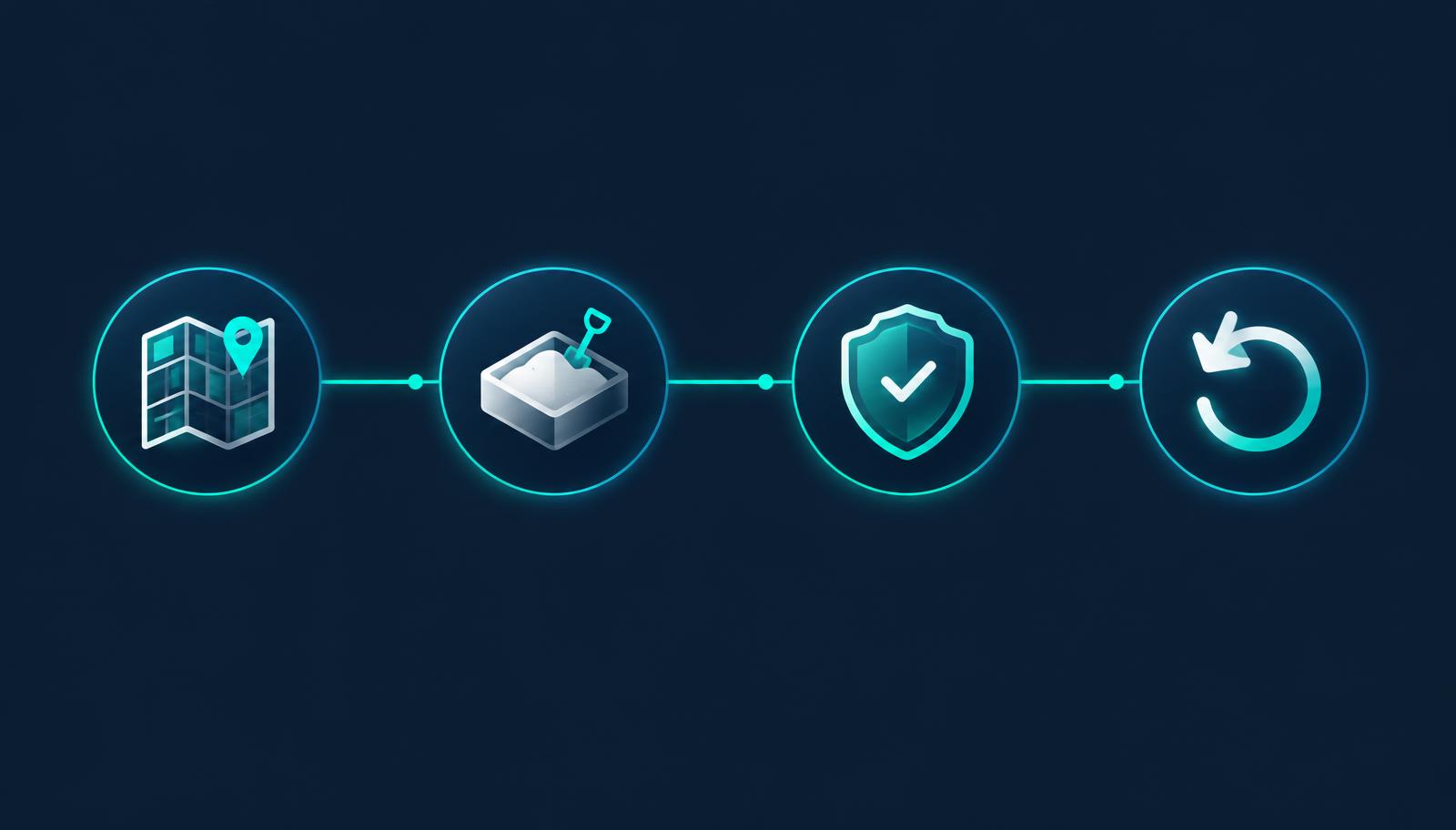
- Map dependencies first — build a live picture of objects and how they connect before anything is touched.
- Build only in Sandbox — no change goes near Production until it has been made and exercised elsewhere.
- Validate independently — a separate check confirms the change meets the original requirement and that nothing unexpected moved.
- Plan for reversion — capture a snapshot and a rollback plan before execution, and be honest where a change cannot simply be undone.
A quick pre-change checklist
- Which workflows, searches, scripts, forms and roles reference this object?
- Who relies on the outputs — dashboards, reports, integrations?
- What test scenarios prove the requested behaviour (including boundary values)?
- Who must approve before Production, and what is the rollback plan?
None of this removes human judgement. It gives the people accountable for the account — administrators, finance leaders and controls teams — the evidence they need to approve a change with confidence rather than hope.
The takeaway
Changes to NetSuite should not depend on crossing your fingers on a Monday morning. Understand the account first, then change it safely. That is the principle ConfigLedger is built around.
Frequently asked questions
Why do small NetSuite changes cause unexpected problems?
Because NetSuite objects such as fields, saved searches, workflows, roles and scripts reference each other. Changing one can silently affect others that rely on the old behaviour.
Is testing in Sandbox enough?
Sandbox testing is essential, but it only catches what you think to test. Knowing the dependencies first tells you what else to check.
Can every NetSuite change be rolled back?
Not always. Many configuration changes can be restored from a prior definition, but some operations, such as deletions or data sent to external systems, need a corrective plan rather than a simple undo.
See your own account’s dependencies.
Book a walkthrough and we will show you how ConfigLedger maps a real NetSuite environment.